Business automation gets talked about like it's either magic or a threat.
It's neither.
For most small businesses, automation is much simpler than people think. It's not robots replacing your team. It's not some giant enterprise software project. And it's definitely not sprinkling "AI" on a broken process and hoping it gets better.
In real life, business automation usually looks like this:
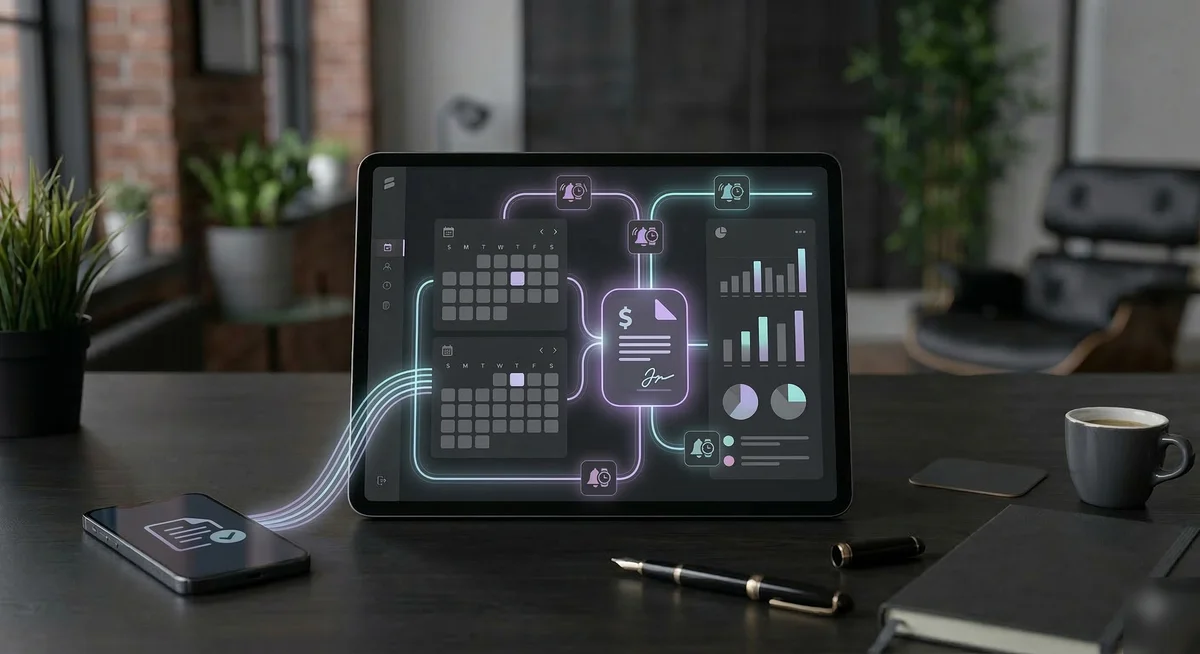
- a lead form creates a contact automatically instead of someone copying it by hand
- an appointment triggers a confirmation email without anyone remembering to send it
- an invoice getting paid updates the right system without a second login
- a daily report shows what matters before the day starts
- an alert gets sent when something breaks instead of waiting for a customer to find it first
That's it. Less manual work. Fewer dropped balls. Better visibility.
What Automation Really Does
At its best, automation handles the repetitive, low-value actions that eat time every day.
Not the hard decisions. Not the relationship-building. Not the actual craft of running the business.
The point is to get the machine work off your plate so you can spend more time on the work only a human should be doing.
For a small business owner, that usually means automating things like:
- lead capture and follow-up
- calendar reminders
- status updates between tools
- invoice or payment notifications
- customer check-ins
- daily KPI reporting
- internal alerts when something needs attention
If you've ever thought, "Why am I still doing this by hand?" — that's usually where automation starts.
What It Looks Like in a Small Business
Let's make it concrete.
A contractor in Southwest Michigan gets a website form submission.
Without automation:
- the email lands in an inbox
- someone reads it later
- someone manually adds it to a CRM or spreadsheet
- someone remembers to reply
- someone remembers to follow up again in two days
With automation:
- the form creates the contact automatically
- the lead is tagged and routed correctly
- a confirmation email goes out immediately
- a reminder is created for follow-up
- the lead appears in the right dashboard or morning report
Same lead. Same business. Fewer chances to miss it.
Or take a daily reporting example.
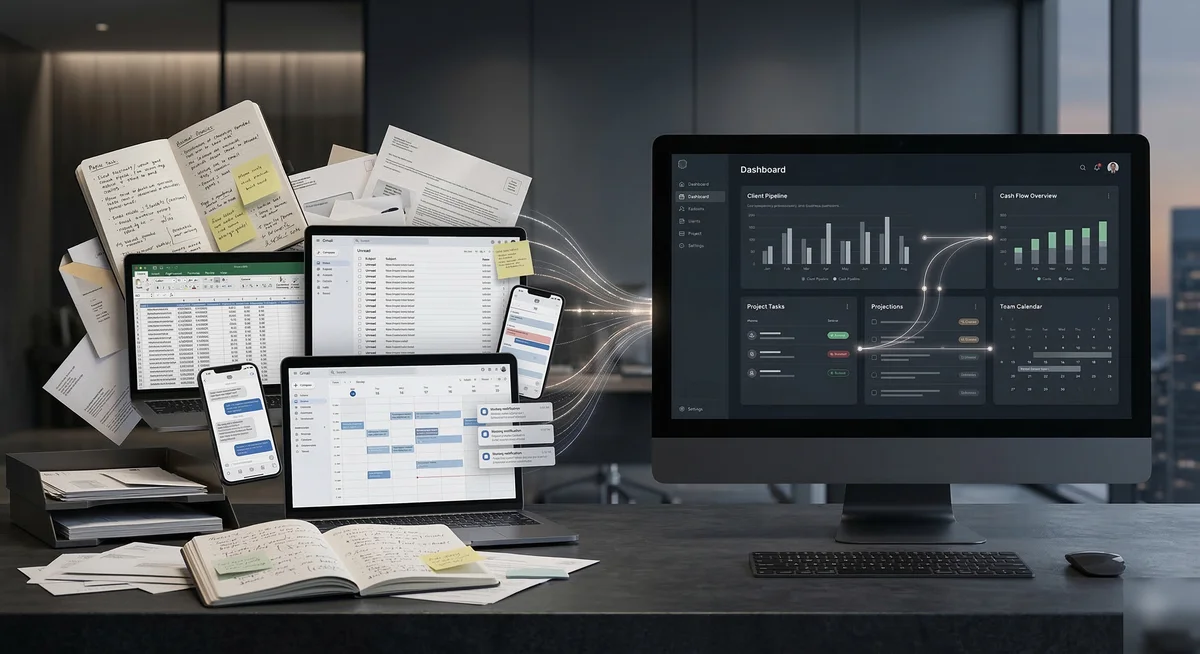
Without automation:
- you open QuickBooks
- then your calendar
- then your CRM
- then your email
- then maybe a spreadsheet
- then maybe a weather app, depending on the business
With automation:
- one morning brief shows yesterday's numbers, today's schedule, new leads, and anything unusual that needs attention
That's business automation. Not flashy. Just useful.
What Automation Is Not
A lot of the confusion comes from people selling automation like it solves everything.
It doesn't.
Automation is not:
- a replacement for clear business processes
- a fix for bad data
- a substitute for good customer service
- something that should be added just because it sounds modern
If a process is chaotic, automation can make it fail faster.
The right way to do it is:
- understand the workflow
- remove obvious friction
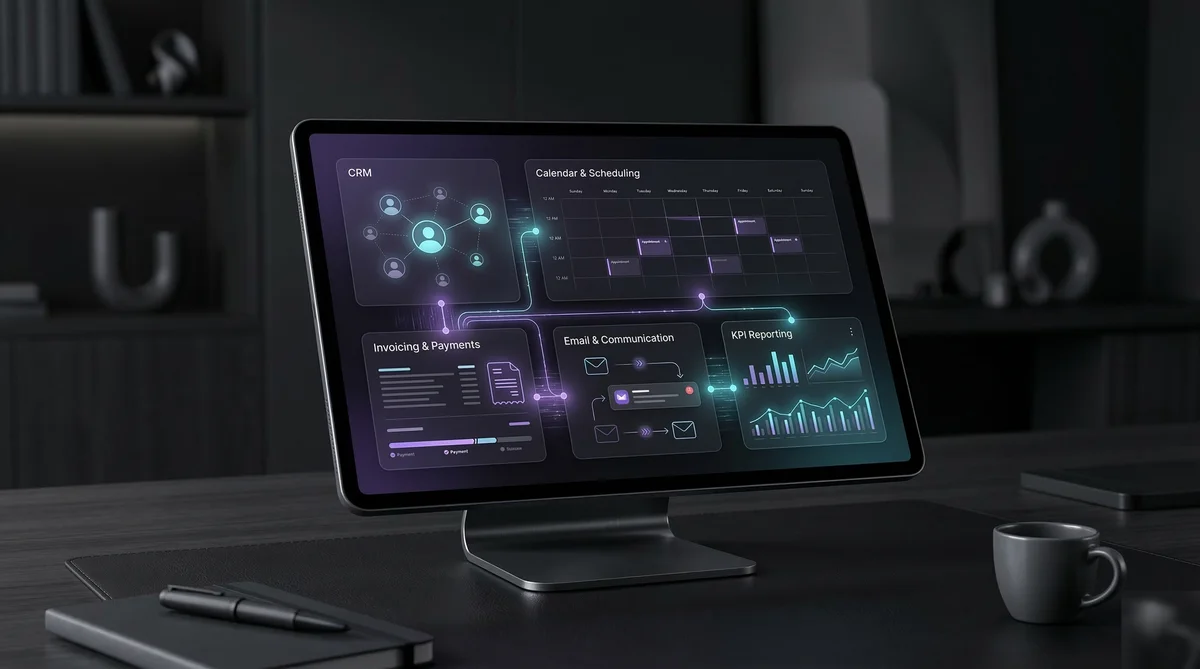
- connect the tools involved
- automate the repeatable parts
- monitor the result
That's how you get something dependable instead of brittle.
Where Small Businesses Usually Get the Most Value First
Most small businesses do not need a giant automation roadmap on day one.
They usually get the fastest value from a few practical wins:
1. Lead Handling
If a lead comes in and sits too long, revenue leaks out. Automating intake, routing, and first-response steps is often one of the fastest ways to tighten up operations.
2. Customer Communication
Appointment reminders, follow-ups, review requests, and basic status messages are perfect automation candidates.
3. Admin Handoffs
When one action in the business should trigger another, that's where automation shines.
- job complete → invoice created
- invoice paid → receipt sent
- website lead → CRM updated
- new booking → calendar + confirmation + reminder sequence
4. Daily Reporting
A lot of owners lose time simply trying to figure out what happened yesterday and what matters today. Automated reporting solves that by turning five systems into one usable summary — what we build with the Morning Brief.
The Real Benefit Is Reliability
People talk about automation as a time-saving tool, and that's true.
But the bigger benefit is often reliability.
Humans forget. Humans get busy. Humans skip steps when the day gets chaotic.
Automation, when built correctly, does the same important thing the same way every time.
That means:
- fewer missed follow-ups
- fewer delayed responses
- fewer manual copy/paste errors
- fewer things falling through the cracks
- fewer mornings spent trying to reconstruct the state of the business
That consistency adds up fast.
Where AI Actually Fits
This is where people tend to overcomplicate things.
AI can be useful inside automation, but it should have a job.
Good uses might include:
- summarizing inbound information
- generating a readable daily brief from raw data
- classifying or routing incoming messages
- extracting useful details from messy text
Bad uses are usually the vague ones:
- "let the AI handle everything"
- "replace the whole workflow with a chatbot"
- "automate a process nobody actually defined"
AI is best used as one part of a system, not the whole system.
What to Automate First
If you're a small business owner and you're wondering where to start, start here.
Ask yourself three questions:
- What do we do every single day?
- What gets copied from one place to another?
- What gets forgotten when we're busy?
The answers are usually the best first automation targets.
You don't need to automate everything. You need to automate the things that are repetitive, easy to miss, and expensive to ignore.
What This Looks Like in Practice
Business automation should feel boring in the best possible way.
It should quietly remove friction. It should help your tools work together. It should make the business easier to run.
If it feels like a science project, it's probably the wrong approach.
If it feels like fewer tabs open, fewer steps to remember, and fewer things slipping through the cracks — you're getting warmer.
That's what business automation actually looks like. And for small businesses in Battle Creek and across Southwest Michigan, it's more accessible than most people think.
Let's talk about what's eating your time.
20 minutes. No pitch. Just a conversation about where automation would actually help your business.
Book a Free Discovery Call →Or reach out: [email protected]